
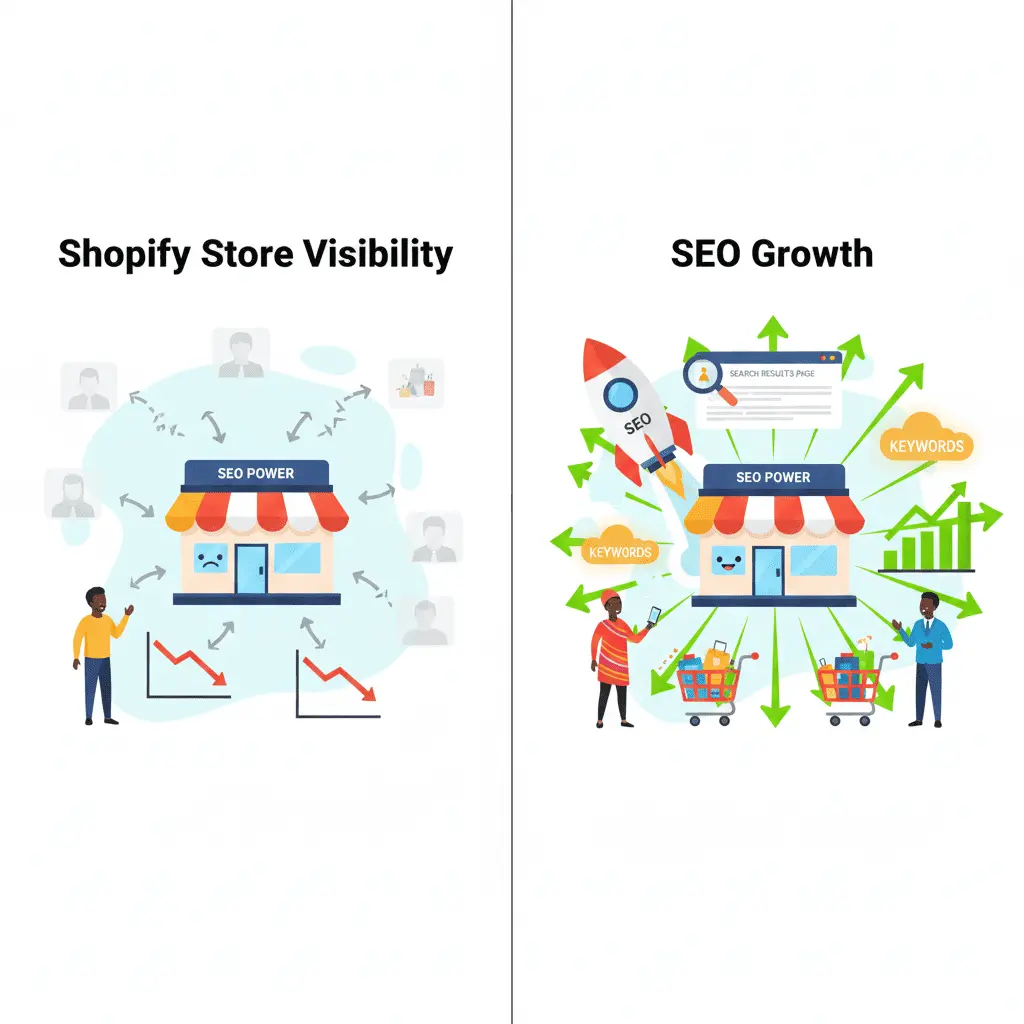
Your Shopify store looks beautiful. Your products are amazing. But if no one can find you on Google, you’re leaving money on the table.
Here’s the reality: 68% of online experiences begin with a search engine. For Kenyan e-commerce businesses in Nairobi, Mombasa, and beyond, organic search isn’t just nice to have—it’s essential for survival. While your competitors burn through KES 50,000+ monthly on Facebook ads, smart store owners are investing in Shopify SEO services in Kenya that delivers customers month after month without ongoing ad spend.
But here’s where most Shopify store owners go wrong: they launch Shopify without proper SEO optimizing for search engines, ignore technical SEO issues, and wonder why their store doesn’t rank. They duplicate product descriptions from suppliers, neglect image optimization, and create a site structure that confuses both users and Google’s crawlers.
This comprehensive Shopify SEO checklist gives you 47 actionable steps to transform your store’s visibility. We’ll cover everything from pre-launch setup to ongoing SEO optimization—the exact process Axiom Web Solution uses to help Kenyan e-commerce stores dominate their niches. You’ll learn how to reduce your dependency on expensive paid ads, increase your organic traffic, and ultimately drive more sales.
Ready to stop hemorrhaging money on ads and start building sustainable traffic? Let’s dive in.
Pre-Launch Shopify SEO Checklist
Before you start driving traffic, you need a solid foundation. These Shopify SEO checklist ensure your Shopify store is technically sound from day one.
1. Choose an SEO-friendly Shopify theme. Not all themes are created equal. Select Shopify themes with clean code, fast loading times, and mobile responsiveness. Dawn, Refresh, and Sense are excellent free options. Avoid bloated themes with excessive JavaScript that slow down your site.
2. Set up Google Search Console. This free tool shows you how Google sees your site, alerts you to errors, and reveals which keywords bring traffic. Verify your Shopify store by adding the HTML tag to your theme settings.
3. Install Google Analytics 4. You can’t improve what you don’t measure. GA4 tracks user behavior, conversion paths, and revenue attribution. Connect it through Shopify’s Google channel for seamless integration.
4. Configure basic SEO settings. In Shopify Admin, navigate to Settings > General and set your homepage title (your brand + what you sell). Then go to Online Store > Preferences to set your homepage meta description—make it compelling with a clear value proposition.
5. Remove password protection. Obvious but often forgotten. Go to Online Store > Preferences and disable password protection before launch. Otherwise, search engines can’t crawl your site.
6. Select the right domain structure. Use a custom domain (www.yourstore.com) instead of yourstore.myshopify.com. This builds brand authority and trust. If you’re targeting Kenyan customers specifically, consider a .co.ke domain.
7. Install essential SEO apps. While Shopify handles basics well, apps like JSON-LD for SEO, TinyIMG for image optimization, and Plugin SEO can automate technical improvements. At Axiom Web Solution, we’ve found these tools save hours of manual work.
Shopify Store Structure & Navigation Optimization
Your site architecture affects both user experience and how search engines crawl your store. Get this wrong, and you’ll struggle to rank.
8. Create a clear category hierarchy. Organize products logically: Home > Category > Subcategory > Product. For example: Home > Men’s Fashion > Shirts > Casual Shirts. This helps users find products and distributes link equity effectively.
9. Optimize URL structure. Keep URLs short, descriptive, and keyword-rich. Use hyphens to separate words. Good: yourstore.com/mens-leather-shoes. Bad: yourstore.com/products/12345-product.
10. Implement breadcrumb navigation. Breadcrumbs show users their location on your site and create internal links. Most modern Shopify themes include these by default—ensure they’re enabled.
11. Set up proper internal linking. Link related products, collections, and blog posts together. This keeps users engaged longer and helps Google discover all your pages. Aim for at least 2-3 internal links per page.
12. Manage duplicate content with canonical tags. Shopify automatically adds canonical tags, but verify they’re pointing to the correct version of each page. This prevents Google from seeing your product variants as duplicate content.
Product Page Shopify SEO Checklist
Product pages are your money makers. Optimize them correctly, and you’ll capture high-intent shoppers ready to buy.
13. Write unique product titles. Include your target keyword, brand, and key differentiator. Instead of “Blue Shirt,” try “Men’s Navy Blue Cotton Casual Shirt – Breathable Fabric.”
14. Craft compelling product descriptions. Don’t copy manufacturer descriptions—Google penalizes duplicate content. Write original descriptions that include keywords naturally, highlight benefits, and address customer pain points. Aim for 300+ words for competitive products.
15. Optimize product images. Use high-quality images but compress them to under 200KB using tools like TinyPNG. Name files descriptively (blue-cotton-shirt.jpg instead of IMG_1234.jpg).
16. Add descriptive alt text. Describe what’s in each image for accessibility and SEO. Use keywords naturally: “Navy blue cotton casual shirt on male model” instead of “shirt image.”
17. Implement product schema markup. This structured data shows Google your product’s price, availability, and ratings, potentially earning rich snippets in search results. Most SEO apps handle this automatically.
18. Create SEO-friendly product URLs. Edit the URL handle when creating products. Include your target keyword and keep it concise.
19. Add customer reviews. Reviews create fresh, user-generated content that search engines love. They also build trust and increase conversions. Install apps like Judge.me or Loox to collect reviews.
20. Optimize product variants. Use Shopify’s variant feature instead of creating separate products for different sizes or colors. This consolidates link equity and avoids duplicate content issues.
Collection & Category Page SEO Best Practices
Collection pages often rank for valuable commercial keywords. Don’t waste this opportunity with thin content.
21. Write unique collection descriptions. Add 200-300 words of original content above or below your product grid. Include target keywords naturally and explain what makes this collection special.
22. Optimize collection titles and meta descriptions. Your title should include the main keyword and category. Meta descriptions should entice clicks with benefits and calls-to-action.
23. Handle faceted navigation correctly. If you use filters (price, size, color), ensure they don’t create thousands of duplicate pages. Use canonical tags or noindex tags on filtered URLs.
24. Add unique content sections. Include buying guides, comparison tables, or FAQs on collection pages. This differentiates your page from competitors and targets long-tail keywords.
25. Implement pagination properly. For large collections, use Shopify’s built-in pagination. Avoid “Load More” buttons that prevent search engines from discovering all products.
Technical Shopify SEO Checklist for Shopify Stores
Technical SEO ensures search engines can crawl, index, and rank your store efficiently. This Shopify SEO checklist section is critical—skip it at your peril.
26. Improve site speed. Compress images, enable lazy loading, and minimize apps. Use Google PageSpeed Insights to identify issues. Aim for a score above 70 on mobile.
27. Optimize for Core Web Vitals. Google prioritizes sites with good Largest Contentful Paint (LCP), First Input Delay (FID), and Cumulative Layout Shift (CLS). Choose lightweight themes and minimize JavaScript.
28. Ensure mobile responsiveness. Over 60% of Kenyan internet users browse on mobile. Test your store on various devices and fix any display issues.
29. Fix broken links. Use tools like Screaming Frog or Broken Link Checker to identify 404 errors. Fix or redirect broken links to maintain link equity.
30. Implement 301 redirects. When you change URLs, always set up redirects in Shopify Admin > Navigation > URL Redirects. This preserves your SEO value.
31. Submit XML sitemaps. Shopify automatically generates sitemaps at yourstore.com/sitemap.xml. Submit this to Google Search Console to help Google discover all your pages.
32. Enable HTTPS. Shopify includes free SSL certificates. Ensure yours is active—Google penalizes non-secure sites.
33. Fix mixed content warnings. If you see warnings about insecure content, it means some resources load over HTTP instead of HTTPS. Update these URLs in your theme code.
34. Optimize robots.txt. View yours at yourstore.com/robots.txt. Shopify’s default is usually fine, but ensure you’re not blocking important pages.
35. Manage crawl budget. For large stores, prevent Google from wasting time on low-value pages. Use noindex tags on cart, checkout, and account pages.
Content Marketing & Blog SEO for Shopify
Your blog attracts top-of-funnel traffic and establishes authority. It’s where you target informational keywords that eventually convert.
36. Set up a blog section. Enable it in Shopify Admin > Online Store > Blog Posts. Create a clear URL structure like yourstore.com/blog/post-title.
37. Create buyer’s guides. Write comprehensive guides targeting commercial keywords like “best running shoes for beginners” or “how to choose leather bags.” Link to relevant products naturally.
38. Develop how-to content. Answer common customer questions. If you sell skincare, write “How to Build a Daily Skincare Routine” and link to your products.
39. Optimize blog posts fully. Include target keywords in titles, headings, and throughout the content. Add internal links to products and collections. Use images with alt text.
40. Target long-tail keywords. These have less competition and higher conversion rates. Tools like Ubersuggest or AnswerThePublic reveal what Kenyan customers are searching for.
41. Implement a content calendar. Consistency matters. Publish at least 2-4 blog posts monthly. This signals to Google that your site is active and authoritative.
Local Shopify SEO Checklist & Ongoing Optimization
SEO isn’t a one-time task. These ongoing activities keep your Shopify store competitive and visible.
42. Set up Google Business Profile. If you have a physical location in Nairobi, Mombasa, or elsewhere, claim your Google Business Profile. Add photos, hours, and encourage reviews.
43. Optimize for local keywords. Include location-based terms in your content: “best online clothing store in Kenya,” “Nairobi shoe delivery,” etc.
44. Build quality backlinks. Reach out to Kenyan bloggers, news sites, and industry publications for guest posting opportunities. Partner with complementary businesses for link exchanges. Quality matters more than quantity.
45. Monitor rankings and traffic. Use tools like Ahrefs, SEMrush, or free options like Google Search Console. Track which keywords drive traffic and conversions. Double down on what works.
46. Conduct quarterly SEO audits. Review your Shopify SEO checklist every three months. Check for new technical issues, update old content, and identify new keyword opportunities.
47. Track conversions and ROI. Connect Google Analytics to Shopify’s sales data. Identify which traffic sources and keywords generate revenue. Adjust your strategy based on performance data, not guesswork.
Frequently Asked Questions About Shopify SEO Checklist
Is Shopify good for SEO in Kenya?
Yes, Shopify is excellent for SEO when properly optimized. It handles technical basics like mobile responsiveness, HTTPS, and automatic sitemaps. However, you must actively optimize content, structure, and speed—it’s not automatic. Kenyan stores using Shopify can rank competitively with proper implementation of this Shopify SEO checklist.
How long does Shopify SEO take to show results?
Expect 3-6 months for significant results. New stores take longer as Google needs time to trust your domain. Competitive niches require more effort. However, you’ll see incremental improvements monthly if you consistently implement these SEO strategies. Quick wins like fixing technical errors can improve rankings within weeks.
Do I need to hire an SEO agency for my Shopify store?
It depends on your budget, time, and expertise. You can handle basics yourself using this checklist, but an experienced Shopify SEO experts like Axiom Web Solution accelerates results through expertise, tools, and proven strategies. If you’re investing KES 500,000+ in inventory, professional SEO ensures customers actually find your products.
What are the most important Shopify SEO ranking factors?
The top factors are: high-quality, unique content; fast loading speed; mobile optimization; quality backlinks; proper site structure; and positive user signals (low bounce rate, high time-on-site). Technical SEO like proper schema markup and clean code also matter significantly.
Can I do Shopify SEO without apps?
Yes, but apps make it much easier. Shopify’s built-in features handle basics, but apps automate tasks like image compression, schema markup, and broken link detection. The right apps save hours of manual work. However, avoid installing too many—they can slow down your store.
How much does Shopify SEO cost in Kenya?
DIY SEO costs nothing but your time. Professional SEO services in Kenya typically range from KES 30,000 to KES 150,000+ monthly, depending on store size and competition. One-time audits and setup start around KES 50,000. The investment pays off when organic traffic replaces expensive paid ads.
Should I focus on Shopify SEO or paid ads?
Both, but prioritize SEO for long-term sustainability. Paid ads such as Google Ads deliver immediate results but stop when you stop paying. SEO builds compounding traffic that continues generating sales month after month. Start with ads for quick revenue, then reinvest profits into SEO for sustainable growth.
How do I optimize Shopify product images for SEO?
Compress images to under 200KB without losing quality using tools like TinyPNG. Use descriptive file names (blue-leather-wallet.jpg, not IMG_001.jpg). Add detailed alt text describing the image. Use WebP format when possible for better compression. Implement lazy loading to improve page speed.
What’s the best Shopify SEO app for Kenyan stores?
There’s no single “best” app—it depends on your needs. Plug in SEO identifies issues, JSON-LD for SEO handles schema markup, and TinyIMG optimizes images. For comprehensive solutions, SEO Manager or Smart SEO cover multiple aspects. Test apps during free trials to find what works for your store.
How often should I update my Shopify SEO strategy?
Review your strategy quarterly and adjust based on performance data. Google’s algorithm updates several times yearly, so staying current matters. Update old content, add new keywords, and fix emerging technical issues. However, core principles (quality content, fast sites, good UX) remain constant.
Start Ranking Higher Today
This Shopify SEO checklist gives you everything you need to transform your store’s visibility. But here’s the truth: knowledge without action is worthless. Most store owners read guides like this, feel motivated, then do nothing. Don’t be that person.
Start with the pre-launch Shopify SEO checklist if you’re new. If your store is already live, tackle technical SEO issues first—they deliver quick wins. Then systematically work through product optimization, content creation, and ongoing monitoring.
Remember, SEO isn’t a sprint. It’s a marathon that rewards consistency and quality. Every product description you optimize, every blog post you publish, and every backlink you earn compounds over time. Six months from now, you’ll thank yourself for starting today.
Need an Shopify SEO expert to help implementing this Shopify SEO checklist? Axiom Web Solution has helped dozens of Kenyan e-commerce stores dominate their niches through proven SEO strategies. We handle everything from technical audits to content creation and link building—so you can focus on running your business while we drive qualified traffic to your store.
Ready to reduce your ad spend and build sustainable organic traffic? Contact Axiom Web Solution today for a free Shopify SEO audit. Let’s turn your store into a traffic-generating machine that delivers customers month after month without burning through your marketing budget.